
Account
What your account does, how data backs up across devices and which services Sparta connects to.
An account is what makes you “you” in Sparta. It’s how the app knows who’s logging workouts, which groups you belong to and which devices to sync to. You sign in once, then everything follows you.
You sign in with Apple or Google on iPhone and with Google on Android. Your password stays with Apple or Google. Sparta never sees it and never stores one of its own.
If you pick Apple’s Hide My Email, the relay address Apple creates is the email on your account. Use that same address if you ever write to support about the account.
What an account does
Your account holds:
- Your workout templates, with their default sets, weights and rest times.
- Your history: every session, run, sport and check-in you’ve ever logged.
- Your custom exercises, available in every picker.
- Your default values for new exercises, and your body data: your bodyweight log, height, date of birth and sex. These stay private and are never shown to your group.
- Your group memberships and your standing in each one.
- Your streaks.
If you sign in on a new phone, all of it shows up the next time the app finishes syncing. Nothing is tied to a specific device.
Backup and multi-device sync
You don’t have to think about backups. As soon as a workout finishes or you log a check-in, the entry uploads. Anywhere else you’re signed in picks it up.
A few things to know:
- Edits sync, deletes sync. If you delete a workout on your phone, it’s gone from your tablet too.
- Unfinished sessions stay private to one device. A session you’re still logging only leaves your phone once you tap Finish. If you start a session on your phone, you can’t pick it up mid-set on your tablet.
- Offline-first. You can log workouts without a connection. They upload the next time you’re online.
Body data
Profile → Body holds your weight, height, date of birth and sex, which the workout report uses to estimate calories. Your weight is a log: each time you set it, that day’s weigh-in is saved and a chart shows the trend over 3 months, 6 months, a year or all time, with the change in words (“−2.4 kg in 3 months”). Tap any weigh-in to change its weight or day, or to delete it, and add one for a past day if you’re catching up from a notebook.
It’s saved to your account so it follows you to a new phone, and it’s never shown to your group.
Groups
Your account is the unit that joins groups. One account, many groups, each with its own leaderboard and streak tracking. See groups for the full breakdown.
Free accounts can be in one group at a time and Sparta Pro lifts that to unlimited. Activity counts for every group you’re in. There’s no separate per-group history.
Connected services
Sparta can pull in workouts you record outside the app. Connect once and they show up in your history automatically.
- Apple Health on iPhone. Reads runs, rides, sports and other workouts saved by any app that writes to it (Strava, Nike Run Club, Apple Fitness and more).
- Health Connect on Android. Same idea: reads workouts saved by Samsung Health, Strava, Fitbit, Garmin Connect and so on.
See the integrations guide for step-by-step setup.
Connected services are read-only. Sparta doesn’t push your Sparta sessions back into Apple Health or Health Connect.
Privacy
The full breakdown is in the privacy policy. The short version:
- Only people in groups you’re in can see your activity.
- We don’t sell data, run ads or share with third parties beyond the services needed to run the app.
- We don’t ask for medical information.
Deleting your account
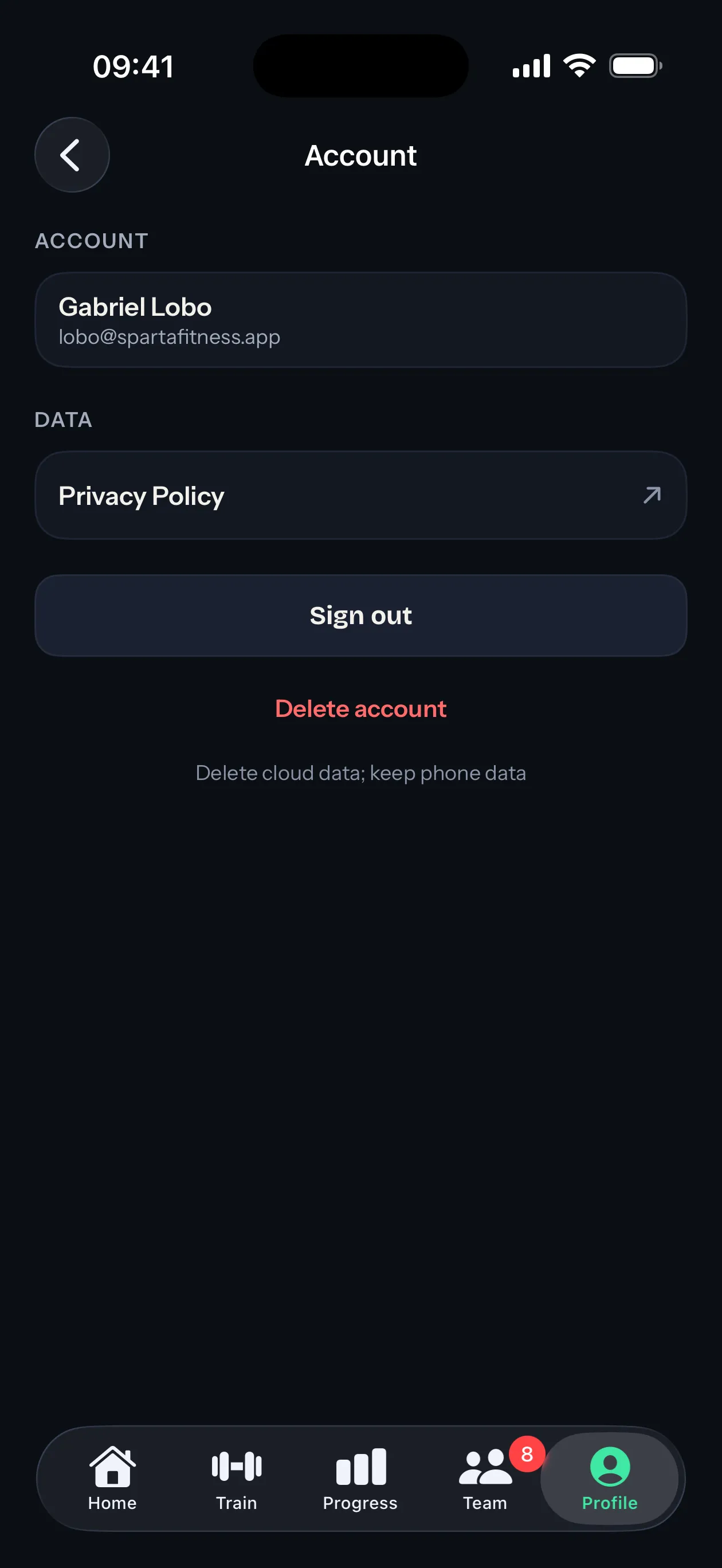
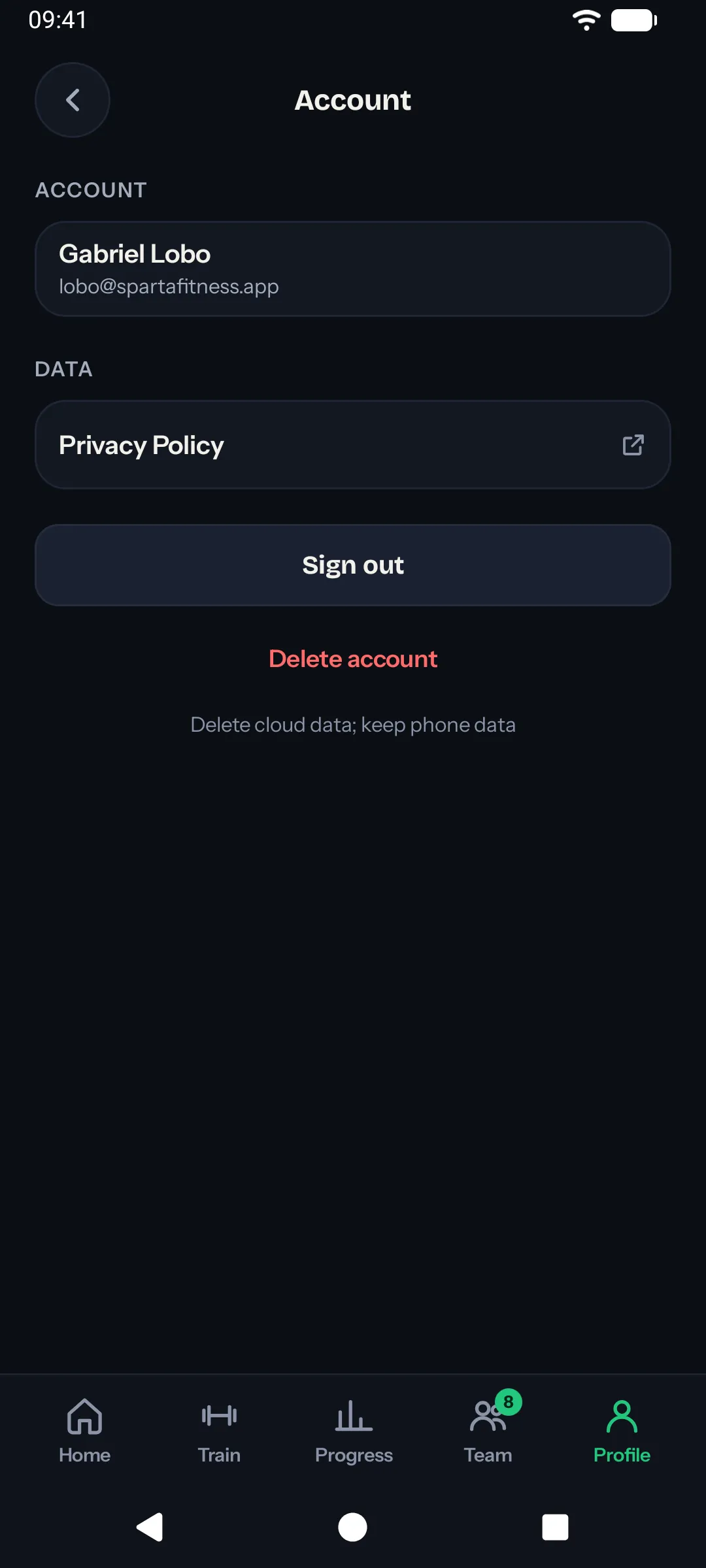
You can delete your account from inside the app: Profile → Account → Delete account. This removes your data from Sparta’s servers. Workouts saved locally on your phone stay on your phone until you uninstall.
If you’d rather email to delete, see Account Deletion for the email-based option.