
Workouts
Build reusable workout templates with default sets, weights and rest times.
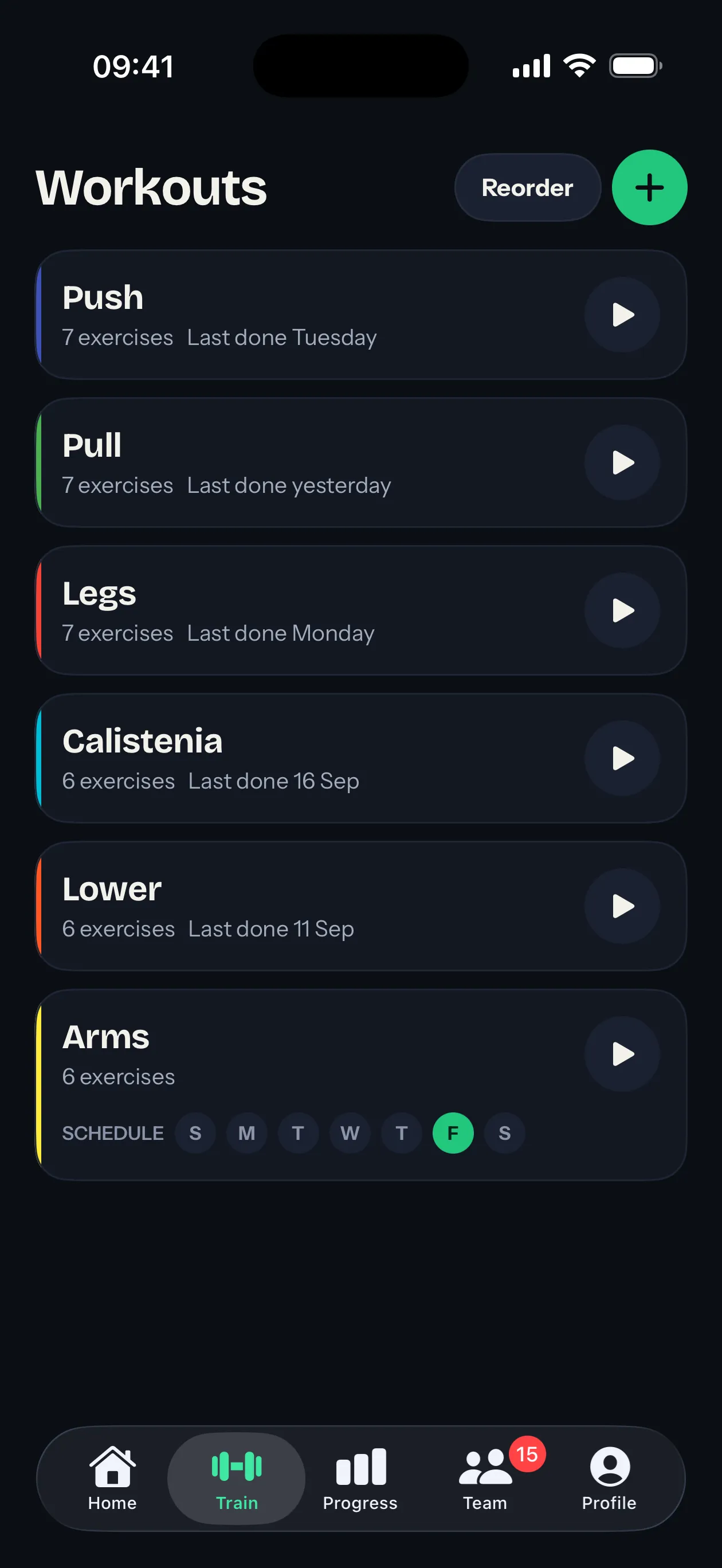
A workout in Sparta is a reusable template. You build it once, then start a live session from it any time you want to train.
A workout has:
- A name and a color so you can spot it at a glance in your list.
- An ordered list of exercises.
- A default set configuration for each exercise (weight, target reps or duration, rest).
You don’t have to follow the template exactly when you train. Defaults are starting points. Anything you change during a session stays in that session and doesn’t edit the template.
Creating a workout
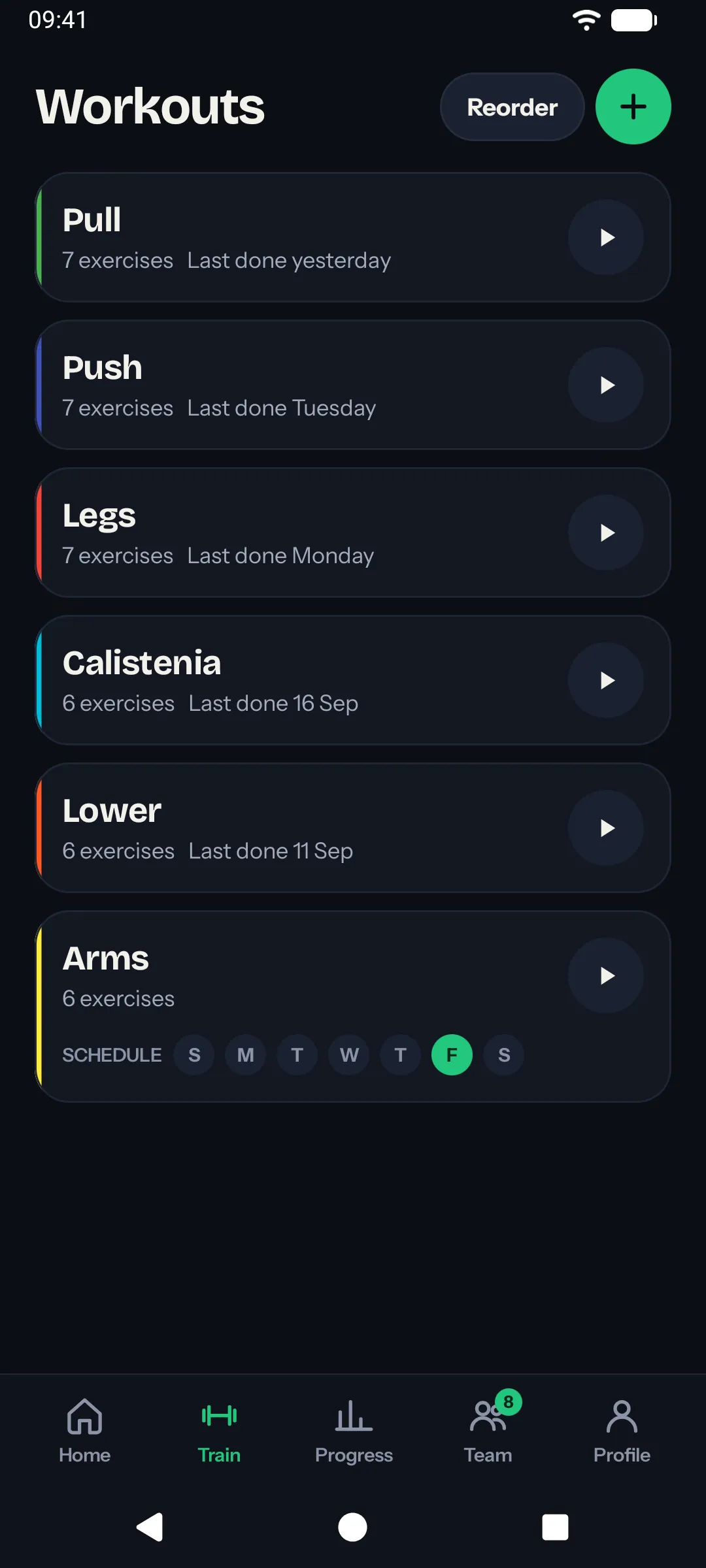
On the Train tab, tap the plus button. Give it a name and pick a color, then add exercises.
Each exercise carries its own default sets. A set has:
- Weight in kilograms.
- A target: either reps or a duration in seconds, depending on the exercise.
- Rest in seconds after the set.
The kind of target comes from the exercise: bench press counts reps, a plank is timed.
Editing a workout
Tap a workout on the Train tab to open the editor. Rename it, change its color, drag exercises into a new order, swipe one away to remove it or tap it to change its default sets and notes.
The editor saves as you go; there is no Save button. Past sessions keep the version they were done with, so editing never alters history.
Scheduling a workout
Under the name, pick the days of the week the workout is for. On those days it’s Up next on Home, with Start workout one tap away. A workout with no days is still one tap away on the Train tab.
Deleting a workout
Delete workout, at the bottom of the editor, removes the template but does not delete any past sessions that used it. Past sessions keep the workout’s name and color.
Ordering and limits
- Exercises are always shown in the order you set in the editor. Drag-and-drop to reorder.
- Workouts in your list have their own order. Tap Reorder on the Train tab to rearrange them.
- A workout can hold up to a fixed number of exercises. The same limit applies if you add an exercise on the fly during a session.
What’s next
- Learn how exercises are organized in the exercise catalog.
- Pair two exercises with supersets.
- See how live sessions work once you start training.