
Supersets
Pair two exercises together to alternate sets during a session.
A superset pairs two exercises in a workout. Instead of finishing all the sets of one exercise before starting the next, you alternate between the two until both are done.
Classic examples:
- Bench press paired with bent-over rows.
- Bicep curls paired with tricep pushdowns.
- Goblet squat paired with overhead press.
Setting one up
When editing a workout, tap the link icon on an exercise to pair it with the one right below it. A pair has to stay side by side: move one of them away and the pairing is dropped.
You can only pair two exercises at a time. Tri-sets and giant sets aren’t supported yet.
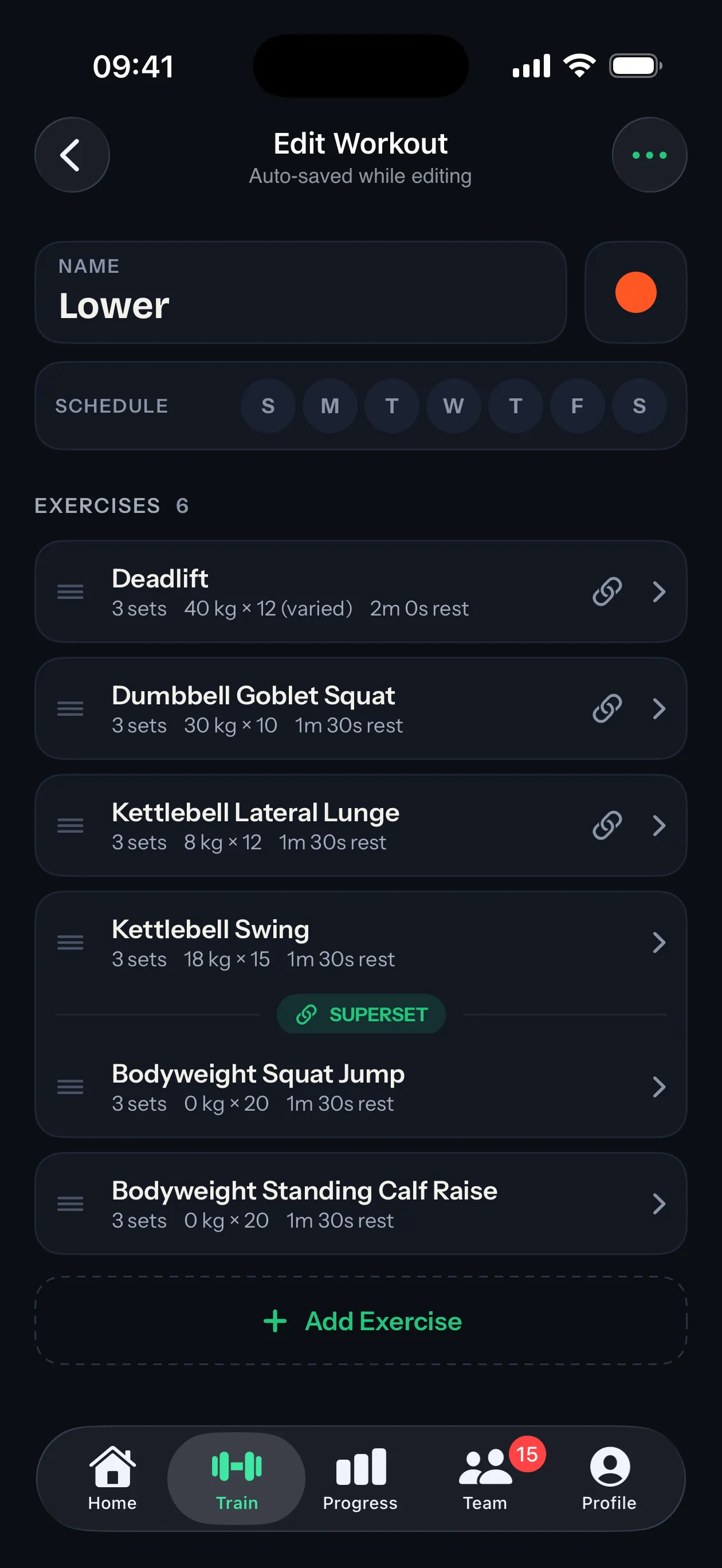
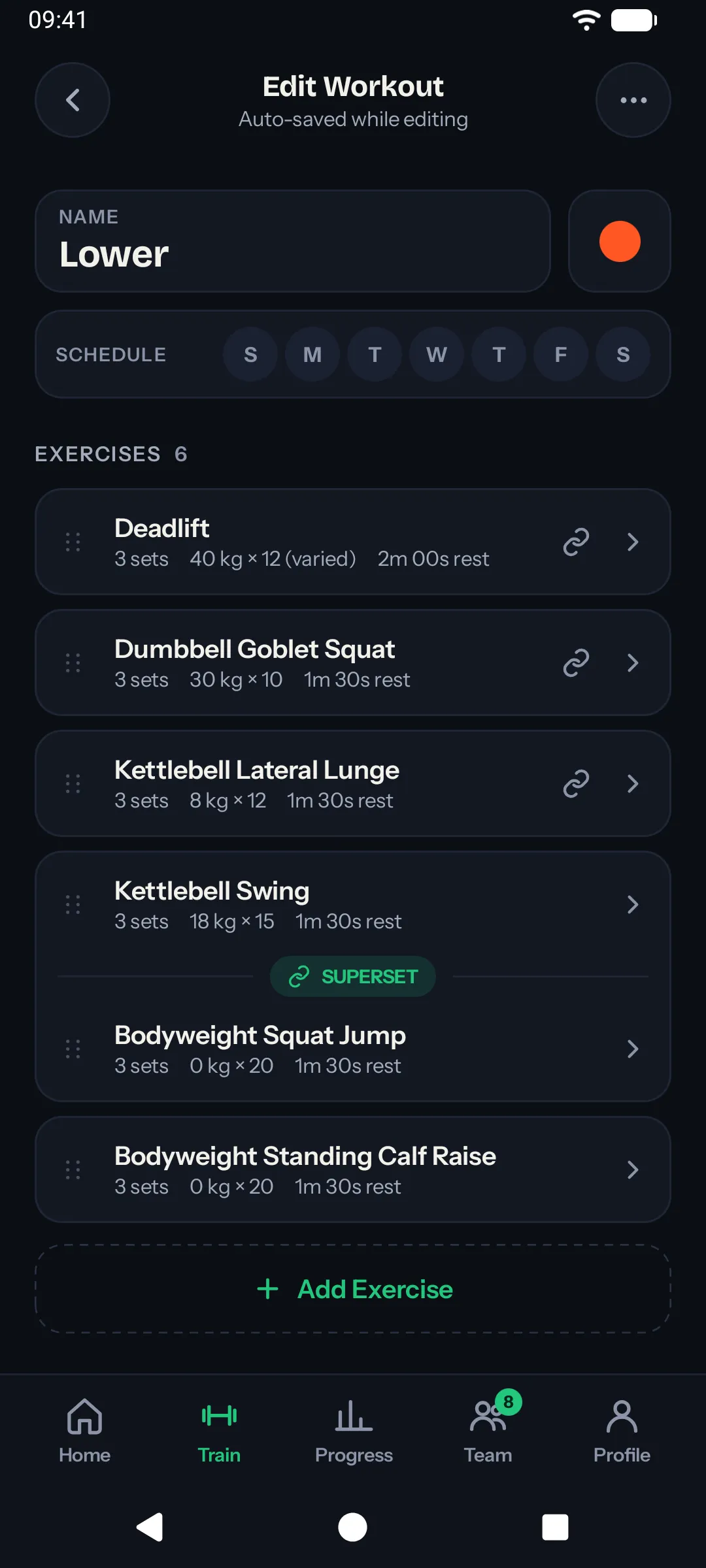
What it looks like in a session
During a live session, the paired exercises show up grouped. After you log a set on one, the app moves you to the next set on the partner. Once both are done, you move on to the next exercise in the workout.
Each set still uses its own rest time. Supersets only change the order you cycle through sets.
Editing or removing the pair
Open the workout and tap the link icon again. The exercises stay in the workout. They’re just no longer linked.
If you delete one of the two from the workout, the pairing is dropped from the other one automatically.
Supersets and swaps
If you swap an exercise mid-session, the swap doesn’t break the superset. The new exercise inherits the partnership and the cycling order keeps working.