
Watch
Use Sparta from your wrist to check in and control live workouts.
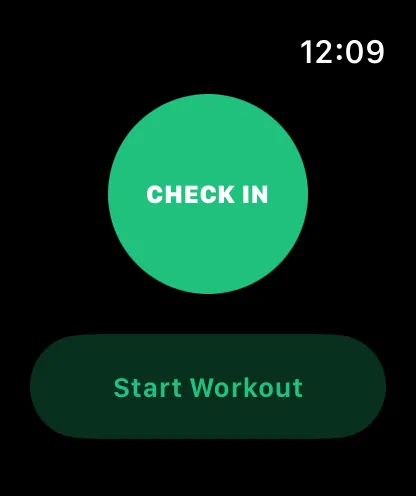
Sparta has a watch companion so you don’t have to take your phone out mid-lift. The watch handles two things really well: tapping in for the day and controlling a live workout that’s running on your phone.
The watch apps are part of Sparta Pro.
Missing screenshot
src/assets/screenshots/watch-overview-android.png What the watch does
- Daily check-in. One tap on the watch records today as an active day.
- Live workout control. When your phone has an active session, the watch mirrors the current exercise and set. You can change weight, reps or duration, complete sets, skip rest, move between exercises and add a set, all without touching your phone.
- Always within reach. While a session is running, the watch keeps a tile up, in the Smart Stack on Apple Watch and as an ongoing activity on Wear OS, so you can jump back in from the watch face.
What it doesn’t
The watch is a remote control for the phone. It doesn’t:
- Browse history or past workouts.
- Show leaderboards or group activity.
- Sign you in (the phone handles that).
- Work without a paired phone.
Your phone has to be reachable. If it’s not, the watch will show an error when you try to check in.
Supported platforms
- Apple Watch: ships with the iPhone app. See Apple Watch.
- Wear OS: ships with the Android app. See Wear OS.
What’s next
- Set up the Apple Watch or Wear OS companion.
- See how check-ins flow into your active-day count in streaks.